Every web
page is a
city.
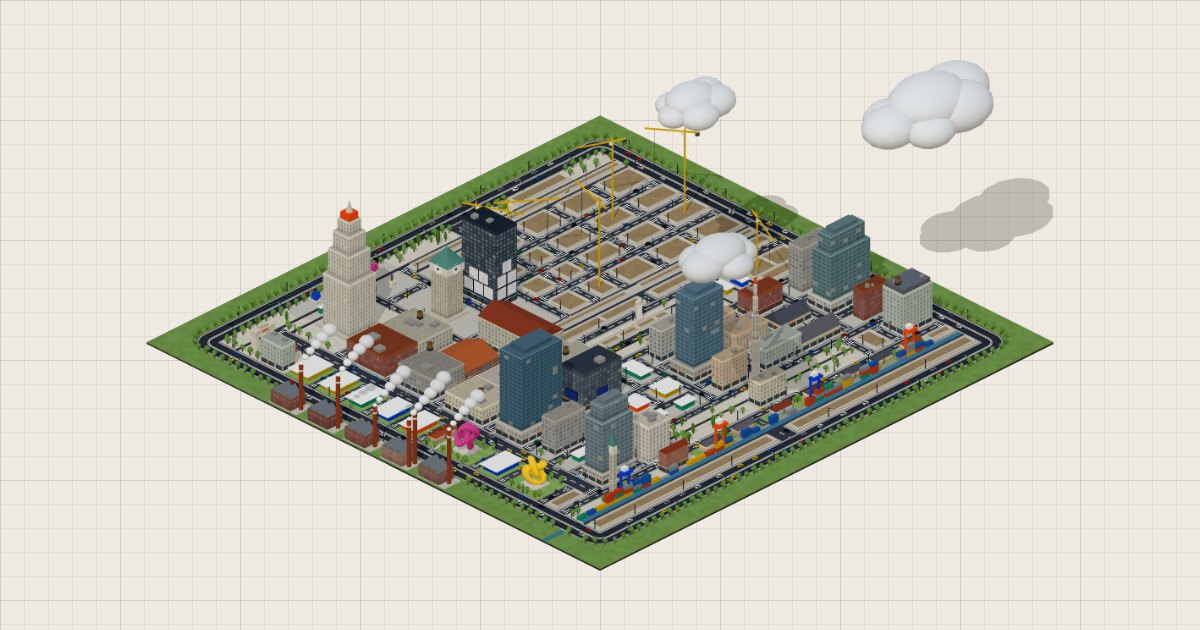
Open any website and click the bookmark: DOMCity maps its structure and builds it in 3D. Sections become districts, paragraphs become apartment buildings, headings become monuments. Then you take a walk through it.
Create a cityShared cities
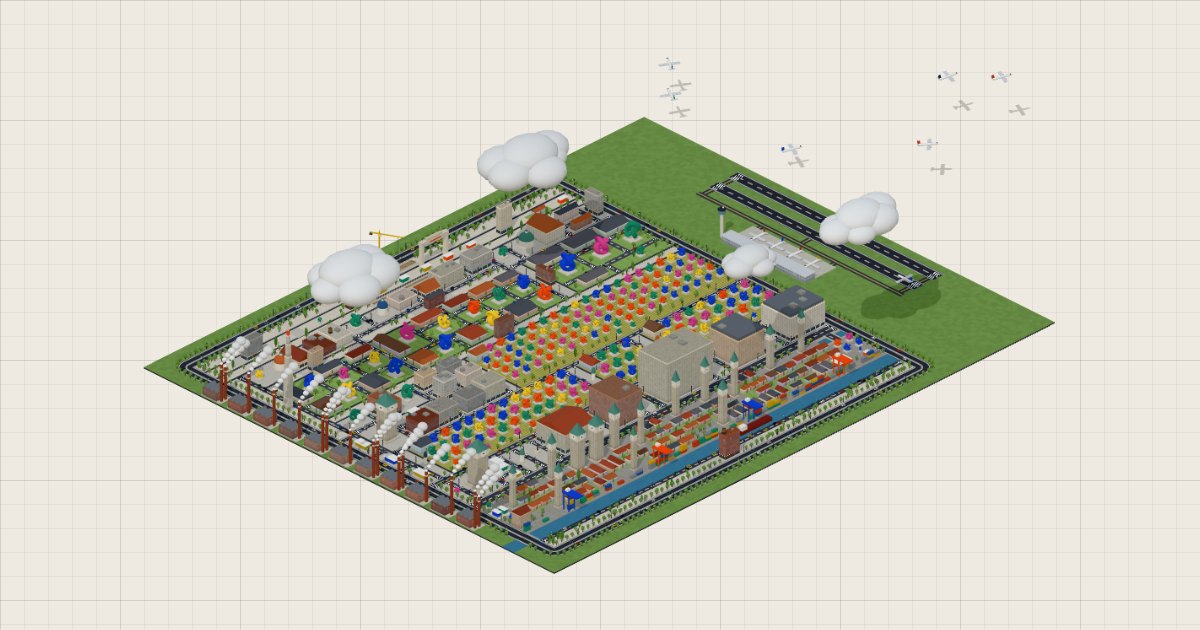
The pages of a site are filed together, and come together as a megalopolis. Search for a site or a page, or browse the latest updated sites.
The map legend
Every HTML tag has its place in the city. The colors follow a zoning map: calm tones for ordinary buildings, vivid ones for what matters.
Districts
District
section · article · main
A part of the page: a district, separated from the others by wide avenues.
Block
div (with children)
A block that groups others: a city block, lined with its streets.
City gate
header
The header: the entrance square, with its monumental arch.
Harbor
footer
The footer: the quays, the cranes, a cargo ship at the dock.
Housing estate
ul · ol
A list: houses on a lawn, served by small streets.
Buildings
Office building
div
A block of text: an office building. With a lot of text, a glass tower.
Construction site
div (empty)
An empty element: a fenced construction site, sometimes with its crane. Markup for nothing.
Apartment building
p · blockquote · pre
A paragraph: an apartment building. The longer it is, the more floors it has.
Gallery
block of images
A block that only contains images: a building covered with screens, like in Times Square.
House
li
A list item: a house, its roof and its chimney.
Monuments
Monument
h1
The main heading: the Art Deco tower that dominates the city, its name engraved at the top.
Belfry
h2
A section heading: a clock belfry that names its district.
Kiosk
h3
A subheading: a domed pavilion.
Statue
h4 · h5 · h6
A small heading: a bronze statue on its pedestal.
Facilities
Town hall square
form
A form: a paved square, its booths and its fountain.
Poster
img
An image of the site, as a poster on a facade of the nearest building in the page (on its roof when the facades are full). An icon becomes a sign, a small flag flies on a pole on the roof.
Giant screen
video · canvas
A video or a drawing area: a giant screen on a facade of the neighboring building.
Embassy
iframe
Another site, enclosed in this one: a building with columns, under its flag.
Sculpture
svg
A vector illustration: an abstract sculpture on its pedestal.
Booth
button · input · select
A button or a field to fill in: a small booth with an awning.
Nature and networks
Promenade
nav
The navigation menu: a paved square, planted with trees.
Park
aside
The secondary content: a park planted with trees, crossed by paths.
Fields
table
A table: fields cultivated in rows.
Canal
hr
A dividing line: a canal between two quays, crossed by bridges.
Airport
external links
The links to other sites: an airport outside the walls, to the east. The more there are, the more runways and planes it has. In a megalopolis, the site has a large airport and each city its small airfield.
Ambiance
Ruin
broken img
A broken image in the page: its panel has collapsed, amid the rubble.
Factories
script
The page's JavaScript: factories smoking in the green belt, one for every six scripts.
Cameras
trackers
The ad trackers the page calls: cameras along the streets, three per tracker.
Graffiti
<!-- comments -->
The comments left in the HTML: tags sprayed at the foot of the buildings.
Weather
page weight
The weight of the page (bytes loaded, elements): bright sun for a light page, a storm for a very heavy one.
The method
- 01
Survey
We read the structure of the page: its tags, how much text, the headings, the images. Never the whole content, only its shape.
- 02
Urban planning
Each element gets its plot, in the order of the page, from north to south. Wide avenues separate the parts of the page; simple elements huddle into city blocks.
- 03
Construction
The city is built in your browser. Hover over a building to find out what it was, click to inspect it, then go for a walk.